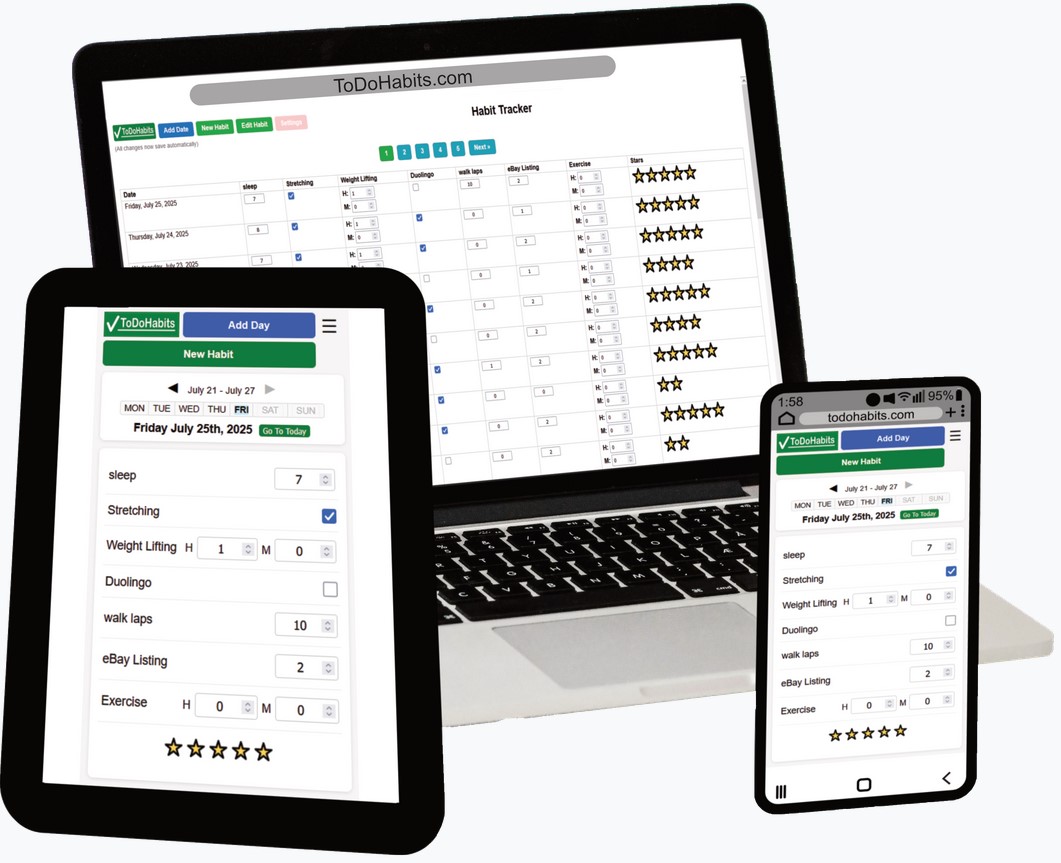
This tutorial shows how to use the Habit Tracker in TodoHabits.com, including adding dates, creating habits, reordering your list, and tracking daily progress with quick check-ins.
What This Tutorial Covers
- Getting to the Habit Tracker from the To Do List
- Adding a date for tracking
- Creating a new habit (example: Walking Performance)
- Choosing habit types like ratings and time-based tracking
- Reordering habits using drag handles
- Deleting a habit and saving your habit order
- Using a simple daily routine to log progress
- Understanding stars, and how they appear or disappear as you log items
- Returning to the To Do List when you’re done
How the Habit Tracker Works
The Habit Tracker is built for fast daily check-ins. You can add habits that are simple checkboxes, track time or distance, or use rating-style habits for things you want to score at the end of the day.
If you want your list in a specific order, you can edit habits and drag them into the position that fits your routine. When you save the order, your layout stays the way you want it.
Stars give quick feedback as you log your day. When you add an entry or complete a habit, you earn a star. If you remove an entry, the star goes away.
Time Stamps
Want the full narration for accessibility or reading along with the video? Use the full script link above.