TodoHabits To-Do List Tutorial
This tutorial walks through the core features of the TodoHabits to-do list, weekly planner, and calendar. If you’re new to TodoHabits, this page will help you get comfortable with the workflow quickly.
What This Tutorial Covers
- Creating tasks in the to-do list
- Formatting tasks with bold text and colors
- Completing tasks and earning stars
- Adding new weeks to your planner
- Dragging tasks to different days or weeks
- Adding extra tasks when more space is needed
- Using the calendar to create recurring events
- Editing or deleting calendar events
How the To-Do List Works
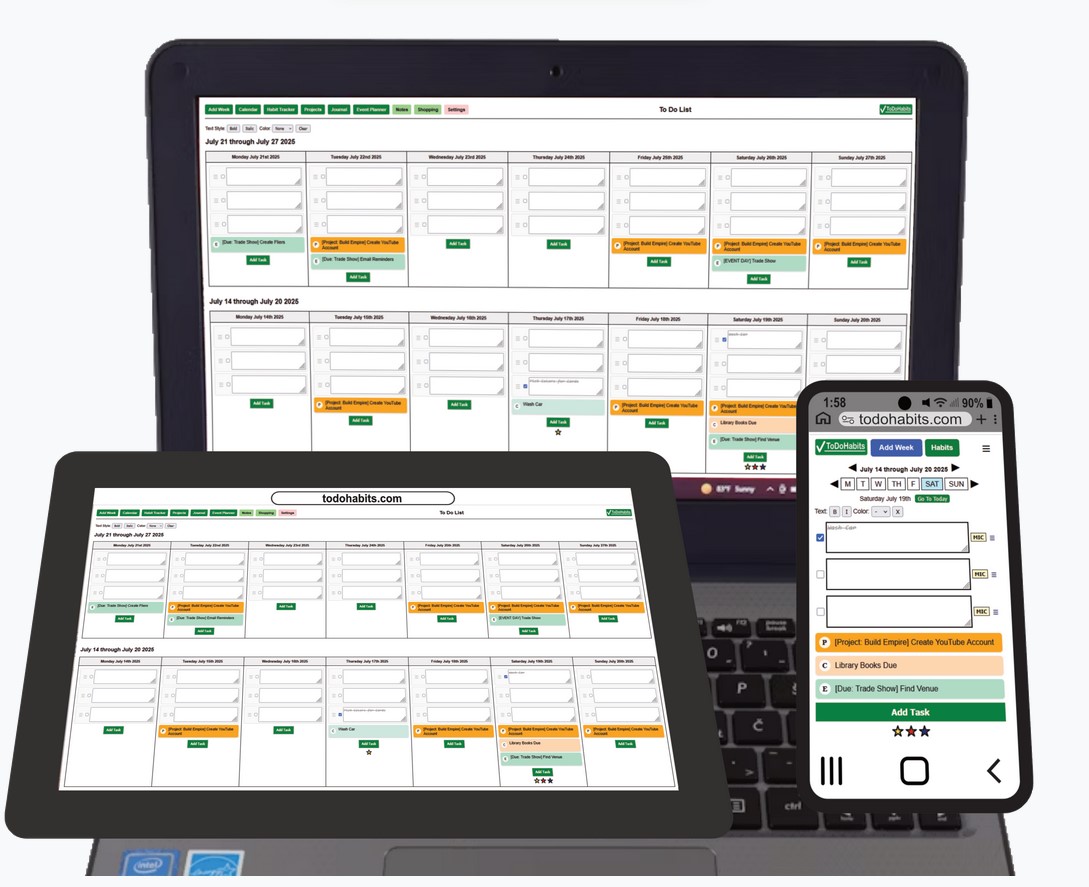
Tasks are organized by day and week, making it easy to see what you need to work on now and what’s coming up next. You can style tasks to make important items stand out and drag them to new days if plans change.
Completing a task earns a star, giving you quick visual feedback on your progress. The system is designed to stay simple while still encouraging consistency.
The built-in calendar lets you create one-time or recurring events that automatically appear in your to-do list, keeping planning and execution connected.
More Than a To-Do List
TodoHabits also includes a habit tracker, project manager, personal journal, and event planner. These tools work together so your tasks, habits, and plans all live in one place.